Tax Configuration has launched in PurchasePlus — Finance teams now set Tax Type, Scheme and rate lines on Organisation Settings → Invoicing, suppliers mark catalogue products and delivery fees Taxable or Tax Free, and Scanning Service applies those rates when a document does not print a percentage.
- Take Photo on Scanning Service — on a phone, creating a scanning task now offers Take Photo: a guided camera with corner alignment, colour options and a quality check, then attaches the pages as one PDF alongside ordinary uploads.
- Clone a Recipe — the recipe three-dot menu now has Clone: pick the owning organisation, confirm a unique name, and land on a new Draft. Copying into another organisation flags unmatched ingredients for review before you can activate.
- Bulk Print on Awaiting My Approval — approvers can select one or more requisitions and print them as a single combined document in New P+.
- Statements from Paperless Email — Action Items now include Document is a Statement and route it into Statement Reconciliation against the chosen supplier. Process Document and Paperless Email also have Statement tabs, matching Invoices and Credit Notes.
A release that gives Finance their own tax setup, lets chefs copy recipes across sites, and closes everyday gaps in scanning and approvals.
Here is everything that landed this release.
Payments
Tax Configuration lets each purchasing organisation tell PurchasePlus how tax works in their market, instead of relying on a country-wide default. Existing regions keep current behaviour until a configuration is saved.
- Tax Configuration on Organisation Settings → Invoicing — a new card next to Invoice Flags and Thresholds lets you set Tax Type (GST, VAT, Sales Tax, SST, Consumption Tax, Other, or None), Scheme (Single or Multi), and labelled rate lines with a percentage. Exactly one line is the Default — that is the rate applied when a line does not carry a supplier-provided percentage. Invalid rates are blocked on save, and reordering lines is display-only so it never silently changes the applied rate.
- Catalogue products: Taxable / Tax Free — suppliers mark a catalogue product Taxable or Tax Free when adding or editing it, without having to enter a rate. The same flag is available as a column on catalogue CSV import and export. A product with a supplier-provided rate and no flag is still treated as Taxable. The flag is captured when the order is created, so later catalogue edits do not rewrite existing orders.
- Delivery fees: Taxable / Tax Free — on the delivery fee modal and table, a fee defaults to Tax Free. A Taxable fee uses the organisation's configured rate unless a percentage is entered on the fee itself, and that treatment shows on the cart, Purchase Order and invoice.
- Scanning Service uses the configured rates — when an invoice line is taxable but the document does not print a percentage, Scanning Service now stamps the purchaser's configured rate. Invoices with no Tax Configuration keep today's behaviour.
Invoice Processing
Statement Reconciliation
Process Document and Paperless Email could already create a statement — you can now open those statements from the same screens, and Action Items can send a supplier statement of account into Statement Reconciliation.
- Statement tabs on Process Document and Paperless Email — both screens now have a Statement tab next to Invoice and Credit Note, with a count badge. The Paperless Emails list also has a Statements count that opens a modal of the statements created from that email.
- Document is a Statement on Paperless Email Action Items — reviewing an Action Item now offers Document is a Statement alongside Invoice and Credit Note. Choosing a supplier and applying the action creates or links the statement in Statement Reconciliation, with the original PDF attached.
Invoices & Credit Notes
- Take Photo on Create Scanning Task — on a phone-sized screen, Take Photo opens a guided scanner: fill the frame, use bright even light, hold still. You can adjust corners, choose Colour, Greyscale or high-contrast black and white, keep multiple pages and finish as one PDF that counts toward the 10-document limit. Pages below the quality threshold can be retaken; desktop stays PDF upload only.
- Unmatched scanning jobs require a supplier — if a job has no assigned supplier, Scanning Service lists show the extracted name with a note that no supplier has been assigned. Opening the job keeps the document on screen and asks you to Set Supplier, and selecting a supplier creates the replacement job.
- Superseded scanning jobs — a job replaced by a retry or supplier change now shows as Superseded instead of Deleted. Opening it keeps the header, preview and details, and links to the replacement.
- Purchase Order column in the Paperless Emails Invoices modal — the Invoices modal on a paperless email now shows matched Purchase Order numbers between Invoice Number and Status, each as a link. Multiple POs are listed; no match shows
--. - Attachment download and preview links — temporary links for attached files now work on Scanning Service, statements and related jobs. Preview still opens in the browser; download still downloads.
- Add Invoice on a Credit Note — confirming Add Invoice or Update Invoice now completes once, from the Credit Notes list and from a credit note page.
- Invoices move through Processing and Exporting — invoices on the Processing tab (Exporting in New P+) now complete those stages, including after a revert-and-reprocess.
Recipes
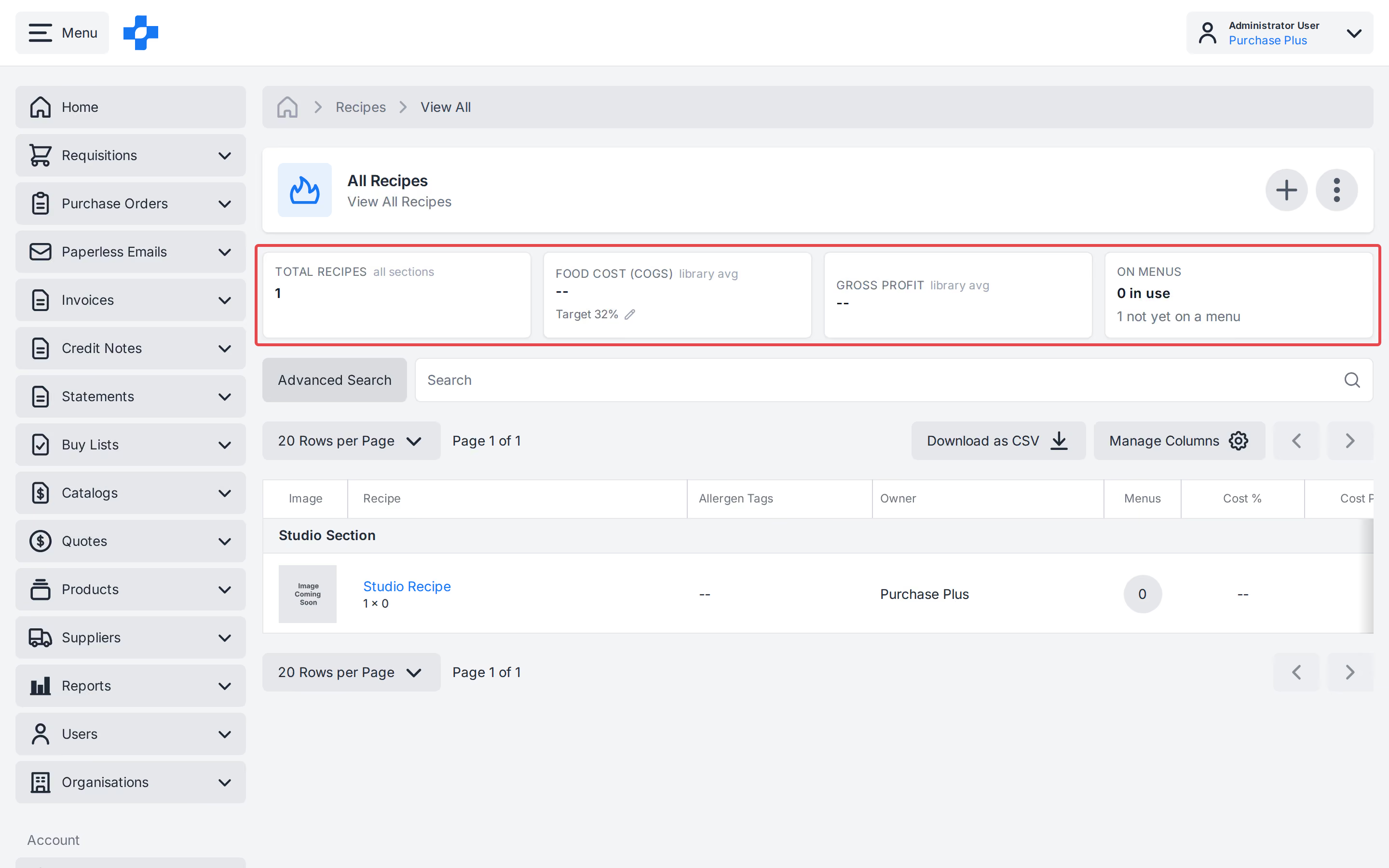
Recipes now has a Clone action — the screen chefs and cost controllers use to copy a recipe, including into another organisation.
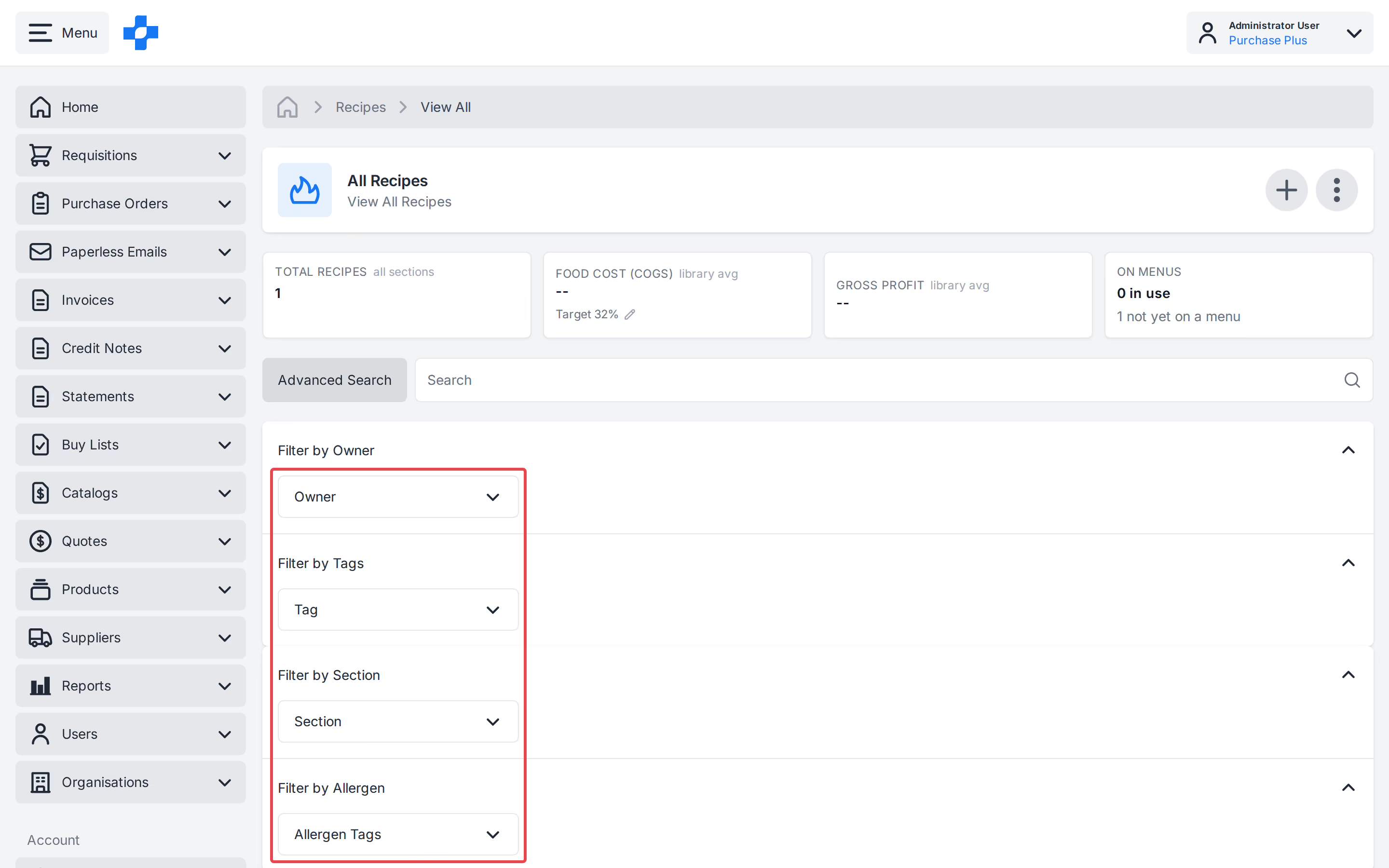
- Clone from the recipe three-dot menu — Clone opens a modal to pick the owning organisation and confirm a unique name. Same-organisation clone lands on the new Draft. Cloning into another organisation rematches ingredients to that site's products, flags unmatched lines for review, and blocks activation until those placeholders are resolved. Cancel makes no changes. Product tags, allergen tags and menus are not copied onto the new recipe.
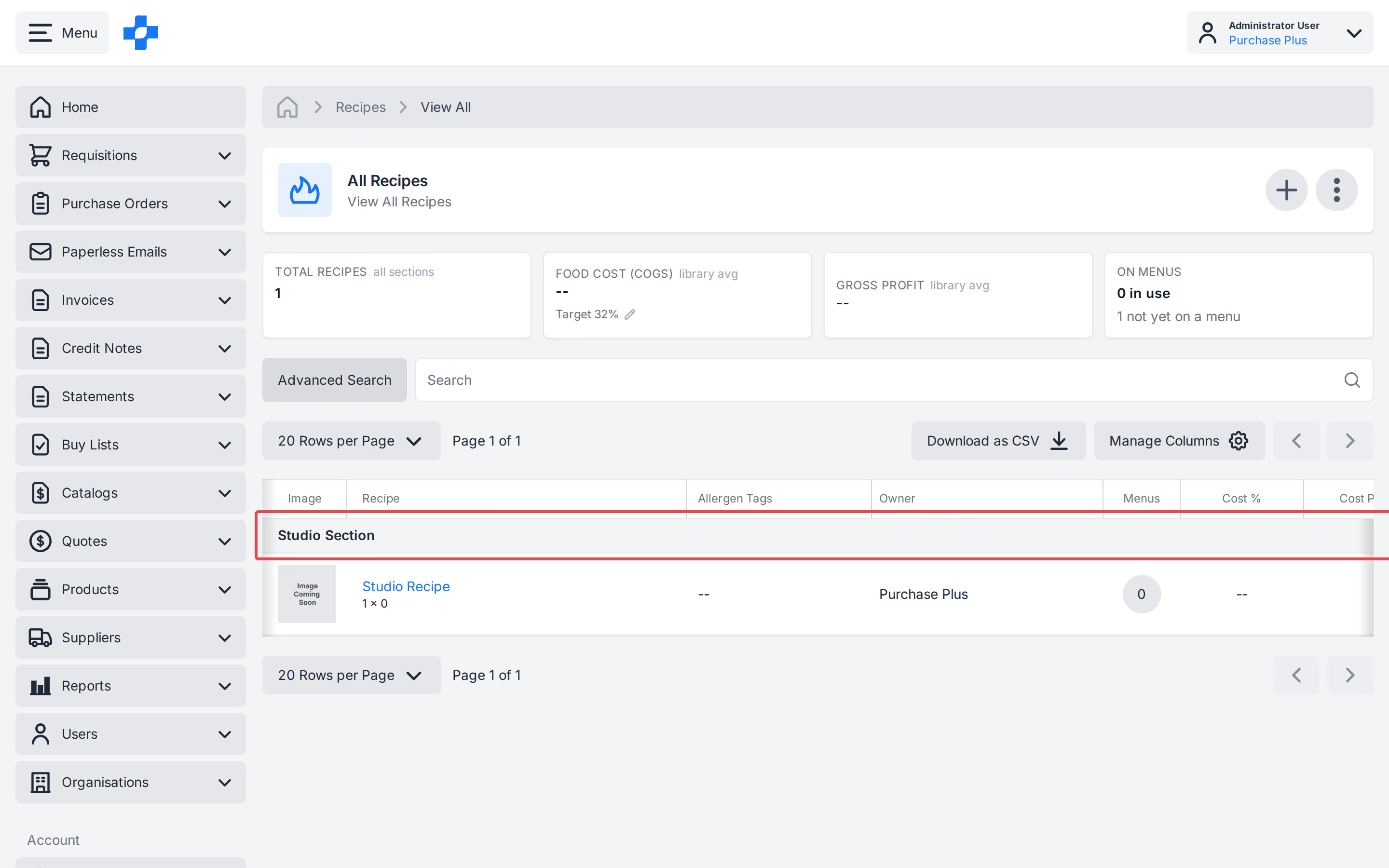
- Combined allergens on sub-recipe ingredient rows — a collapsed sub-recipe line on the Recipe Ingredients table now shows the same combined allergen list as Recipe Settings, All Recipes, Menu Recipes and the Recipe Card (the sub-recipe's own tags plus allergens from products nested inside it).
Purchasing
- Bulk Print on Requisitions → Awaiting My Approval — selecting one or more requisitions now offers Print alongside Approve, and produces one combined print-ready document. Single-row Print on requisition lists and detail uses the same path in New P+.
- Re-Order creates the requisition in one step — Re-Order from an invoice, Purchase Order or requisition now creates the new requisition immediately. If it cannot (for example the supplier is disabled), you stay on the create page with the specific reason and no empty requisition is left behind.
- Approver seats follow the organisation tree — a person can only be added as a named rank approver if they belong to the organisation that owns the workflow, or to an organisation above or below it. Sibling or unrelated organisations are not accepted, including on import. Removing someone from an organisation disables any approver seat that no longer sits in that tree, so they stop receiving that organisation's approval summary emails.
- Daily requisition approval summaries — the daily approval digest for requisitions now reaches the people who have requisitions waiting on them, matching the invoice, credit note and transfer digests.
- Cancelled Receiving Notes open — viewing a cancelled receiving note now loads as expected. The fully-received line count still follows the same progress rules as an open note.
POS & Integrations
- PeopleSoft cXML export in New P+ — a new automatic AP export format is available for PeopleSoft: cXML with a document header, each sub-line exported separately, tax at line level, delivery / adjustments / rounding as their own lines, and credit notes treated as negative invoices.
- POS sales with sub-recipes validate against real stock — a sale whose recipe includes a prep item now checks the underlying products in the outlet. When those products are stocked, the sale can proceed and the batch can be transferred.
Suppliers
- Catalogue import stays on your own products — a catalogue import now only updates products the importing organisation is allowed to change.
- Catalogue import can maintain prices on shared archive and master products — rows that reference those shared catalogue products now import, so price updates can land while items sit in the catalogue ahead of removal.
- Clear reason when a default Delivery Address is not accepted — saving Organisation General settings with a default Delivery Address that does not belong to that organisation's legal entity now shows that specific reason and keeps your unsaved edits.
Miscellaneous
- Pages stay up during search and list updates — All Invoices, Shop, Purchase Orders, Requisitions Awaiting My Approval, Catalog Products and Inventory Stock Items now stay on screen if a tooltip or menu does not open, so you can keep working.
Behind the scenes
- The team also made behind-the-scenes improvements to keep PurchasePlus fast, reliable and ready for what's next.
Plenty here for Finance, chefs and anyone who lives in scanning or approvals — Tax Configuration and recipe Clone in particular are ones to have on the radar.