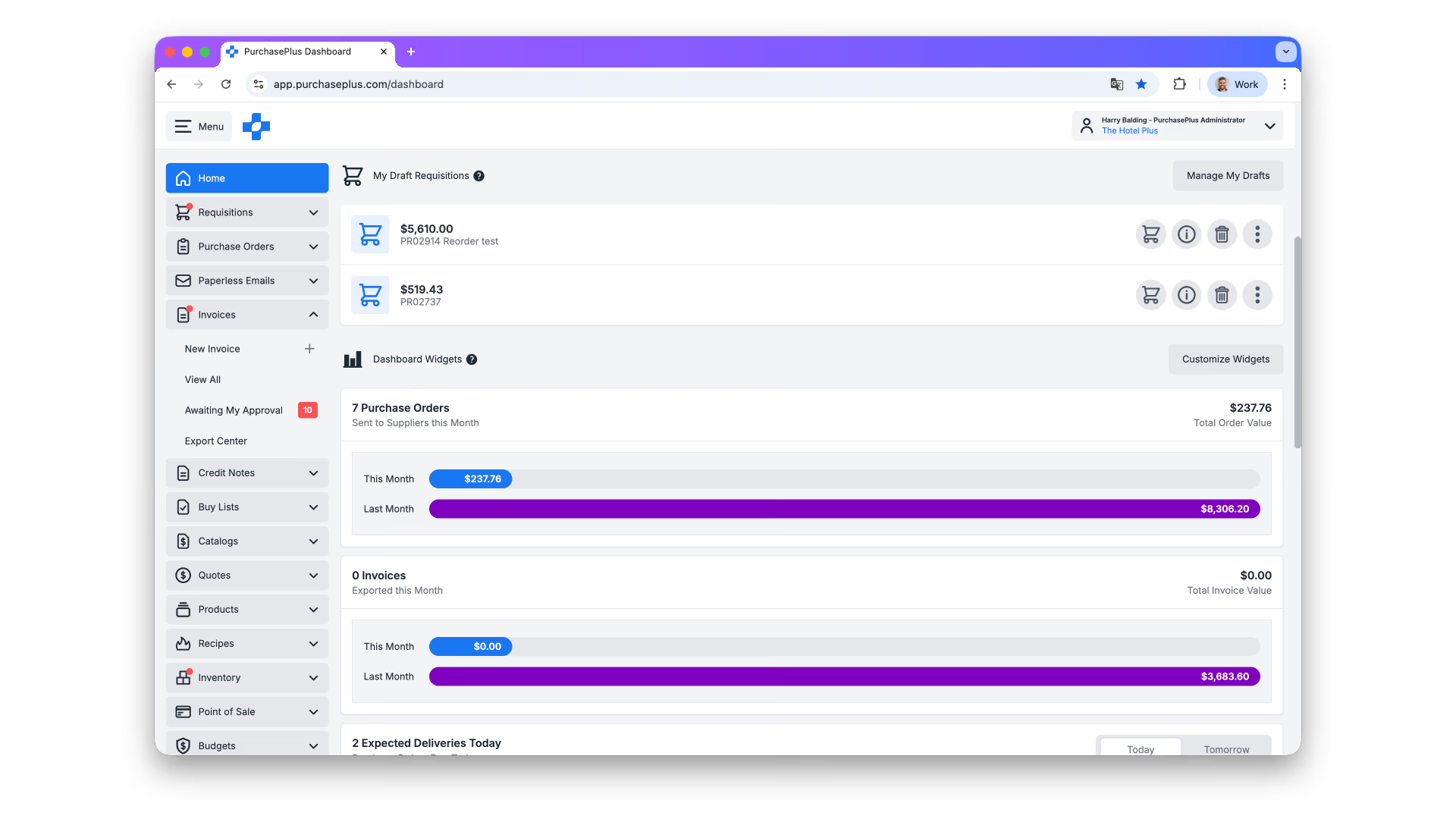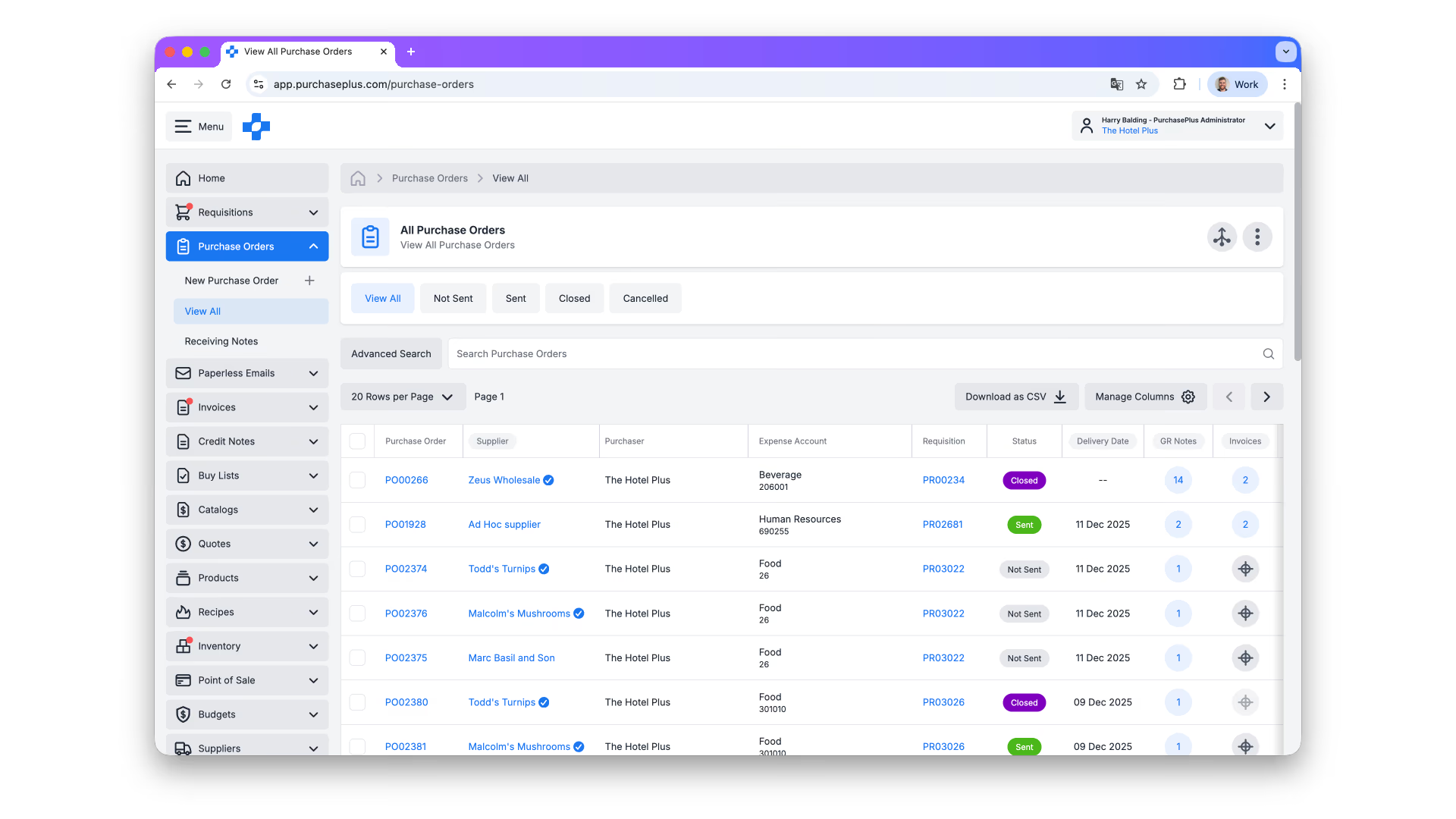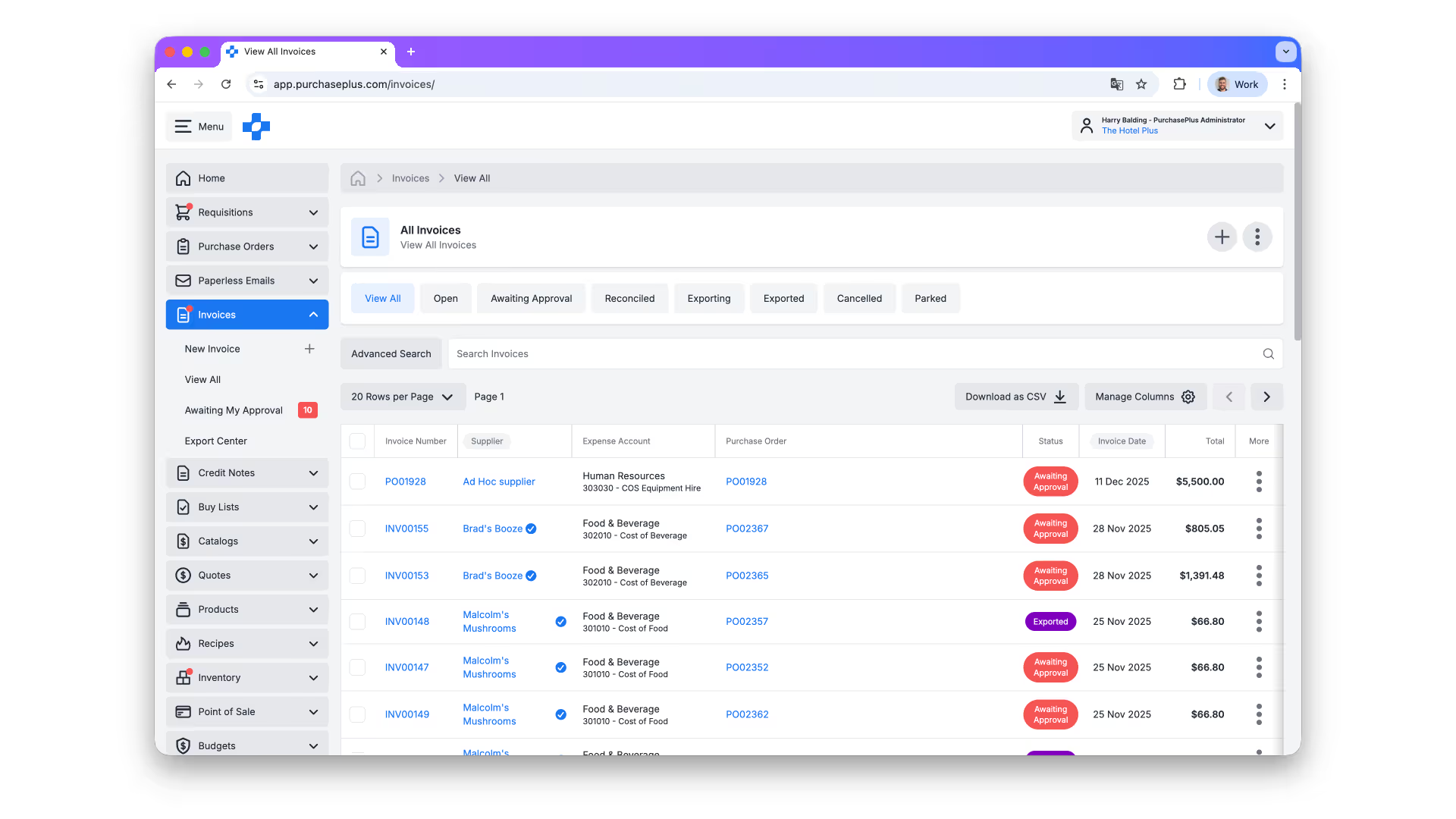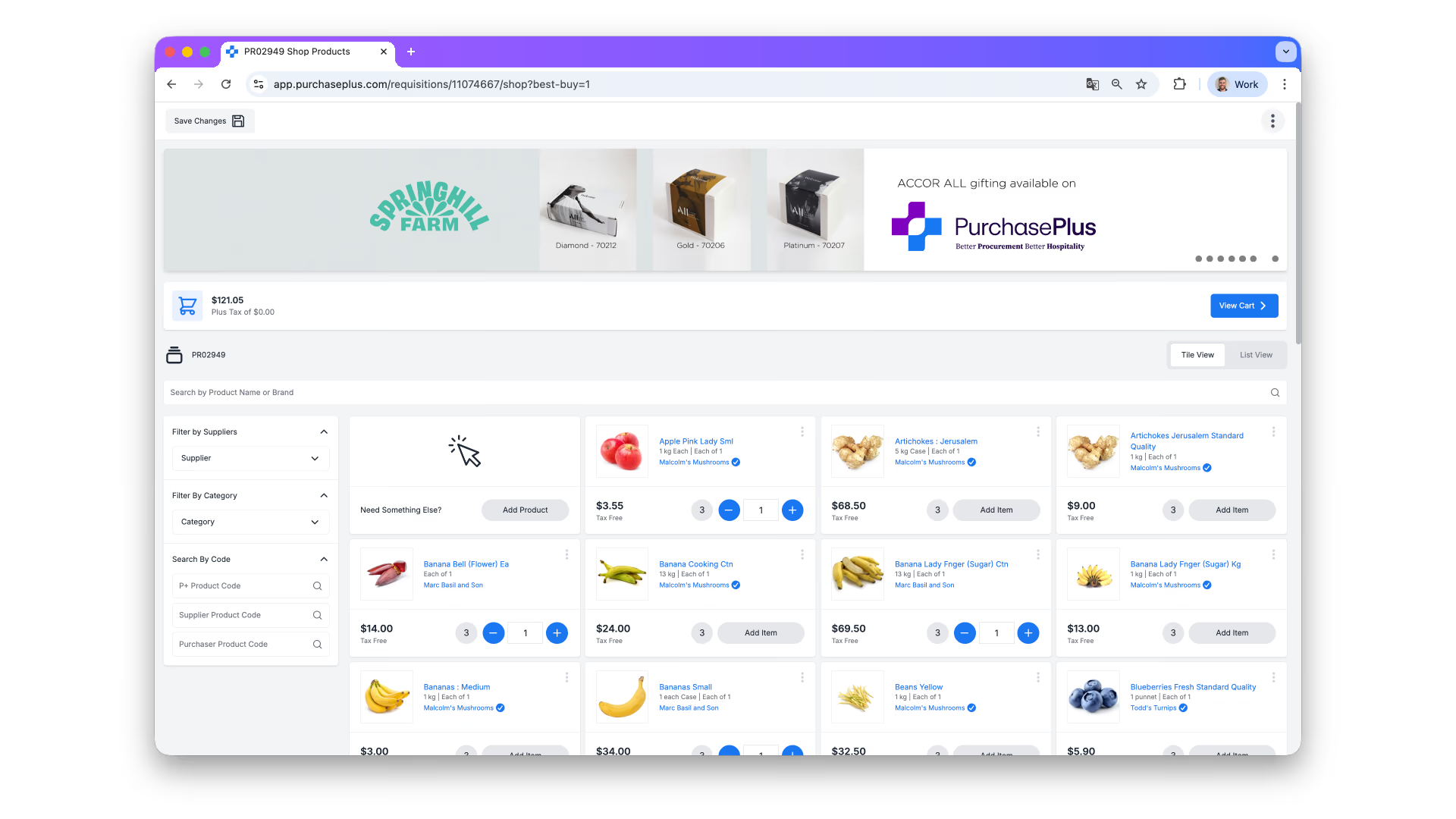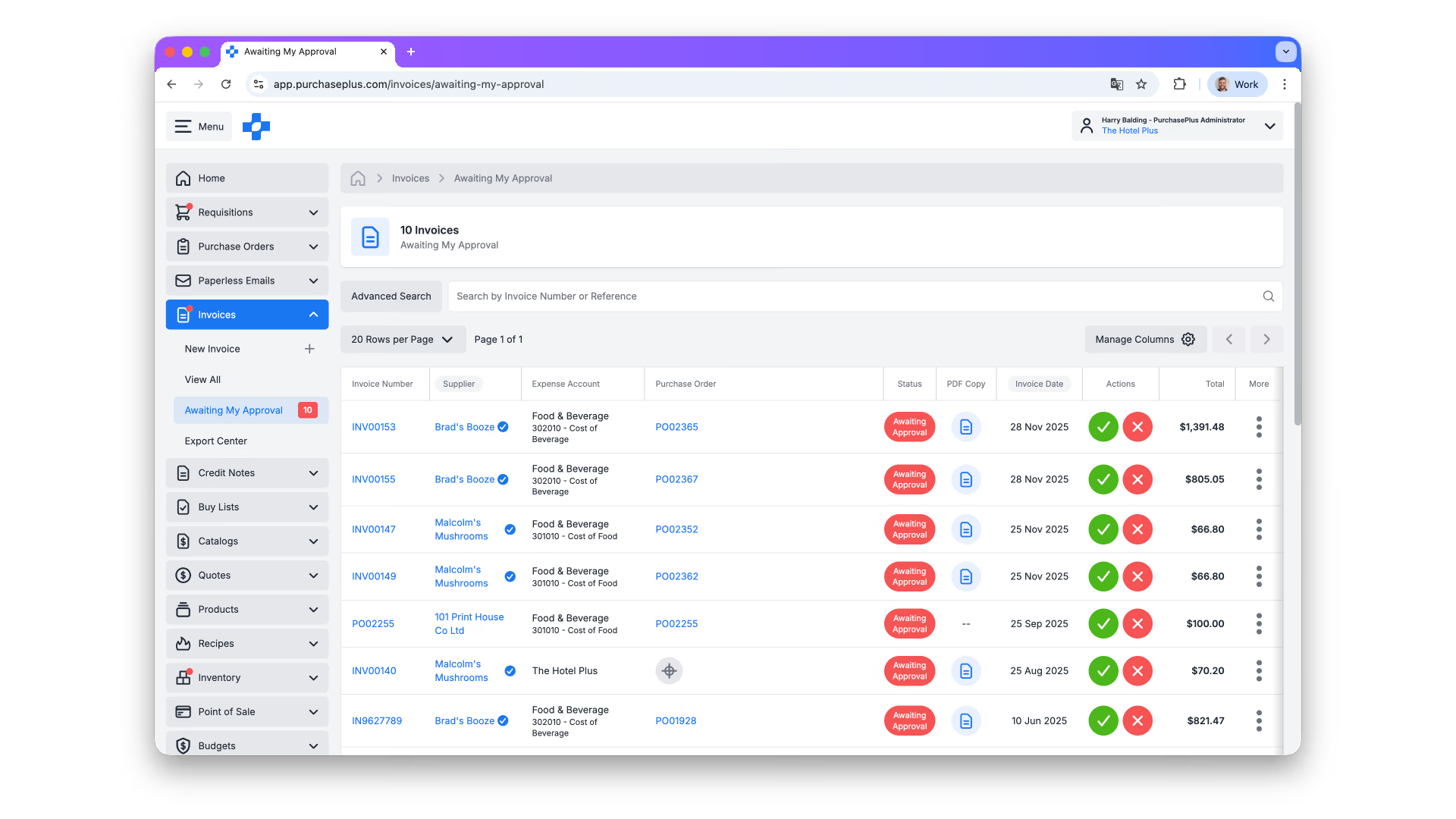

Stop discovering budget blowouts after the month ends.
PurchasePlus connects your budgets directly to every purchase order, invoice, and cost centre, in real time.
- From commitment to actuals, real time.
- Visibility across every property and cost centre.
- Threshold-based approval routing stops overspend before it happens.
Is Your Budget the Silent Killer of Your Financial Control?
Most finance teams review actuals once a month, in arrears. By the time the numbers land, the damage is done. If you’re using spreadsheets or standalone ERP budget modules, you’re facing the Three Hidden Costs.
Month-End Surprises
Actuals hit your ERP 30 days after the money moved. You can’t course-correct what you can’t see in real time.
See positions live
No Order-Point Control
Staff raise purchase orders without knowing if they’ve blown their allocation. Nothing catches overspend before it happens.
Enforce at PO
Multi-Property Chaos
Each property tracks its own numbers in different formats. Finance has no consolidated view, and no way to compare.
Unify the group
Commitments, approvals and rollups flow through one system, before the money moves.
Four capabilities that turn your budget from a year-end report into an operational guardrail.
Know your budget position the moment an order is raised.
PurchasePlus tracks spend from the first requisition, not when the invoice arrives. The moment a PO is approved, it’s committed against budget. You see your true position in real time, every day.
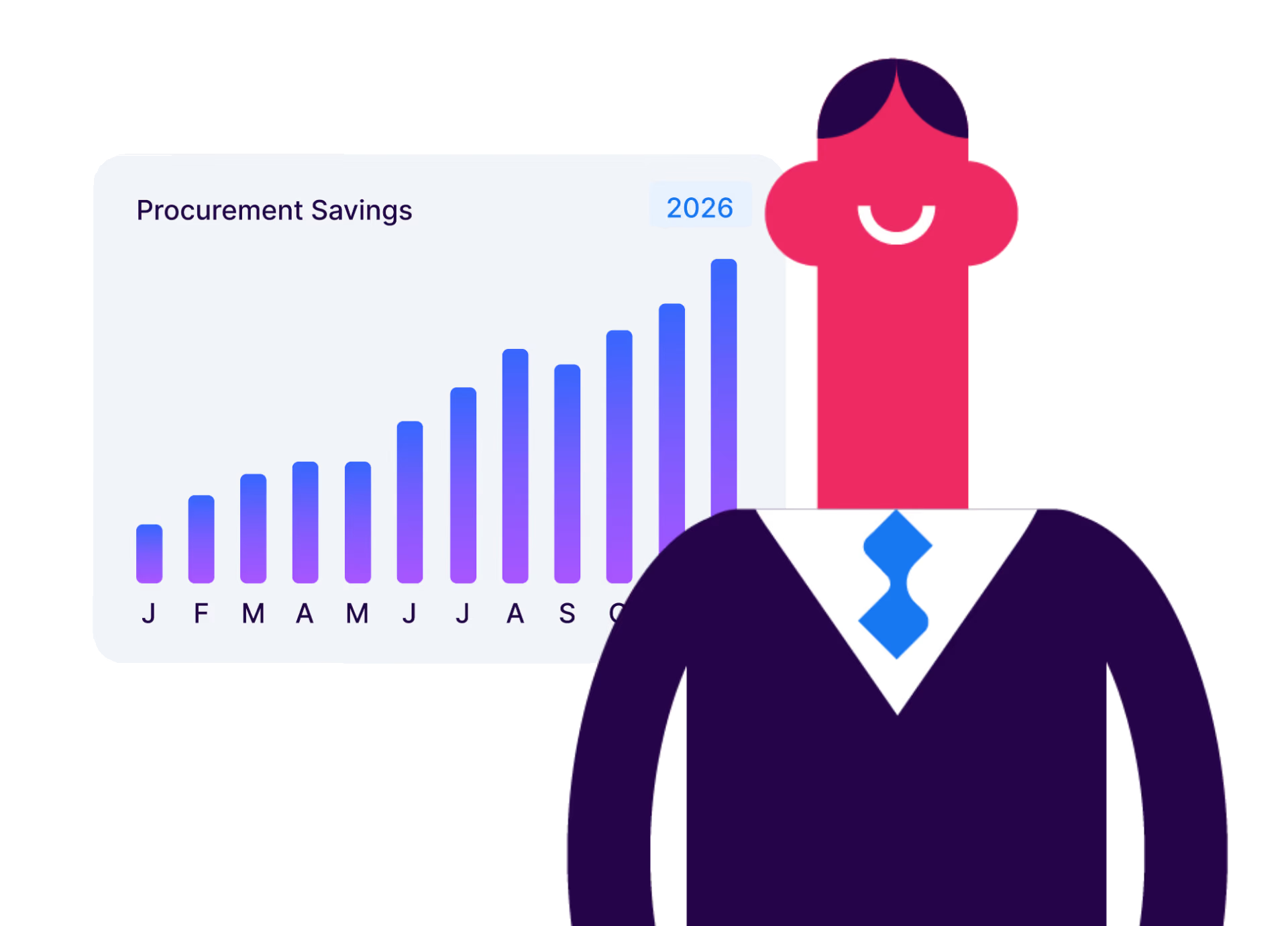
Orders that exceed budget require approval. Automatically.
Set budget thresholds by department, cost centre, or property. When a purchase order pushes spending over a limit, it routes to the right approver before going to the supplier. Control without micromanagement.

One view across every property, department, and period.
Build budgets by property, department, F&B outlet, GL code, or cost centre. Roll them up into a consolidated group view for finance, and down into operational detail for managers on the floor. The right visibility at every level.
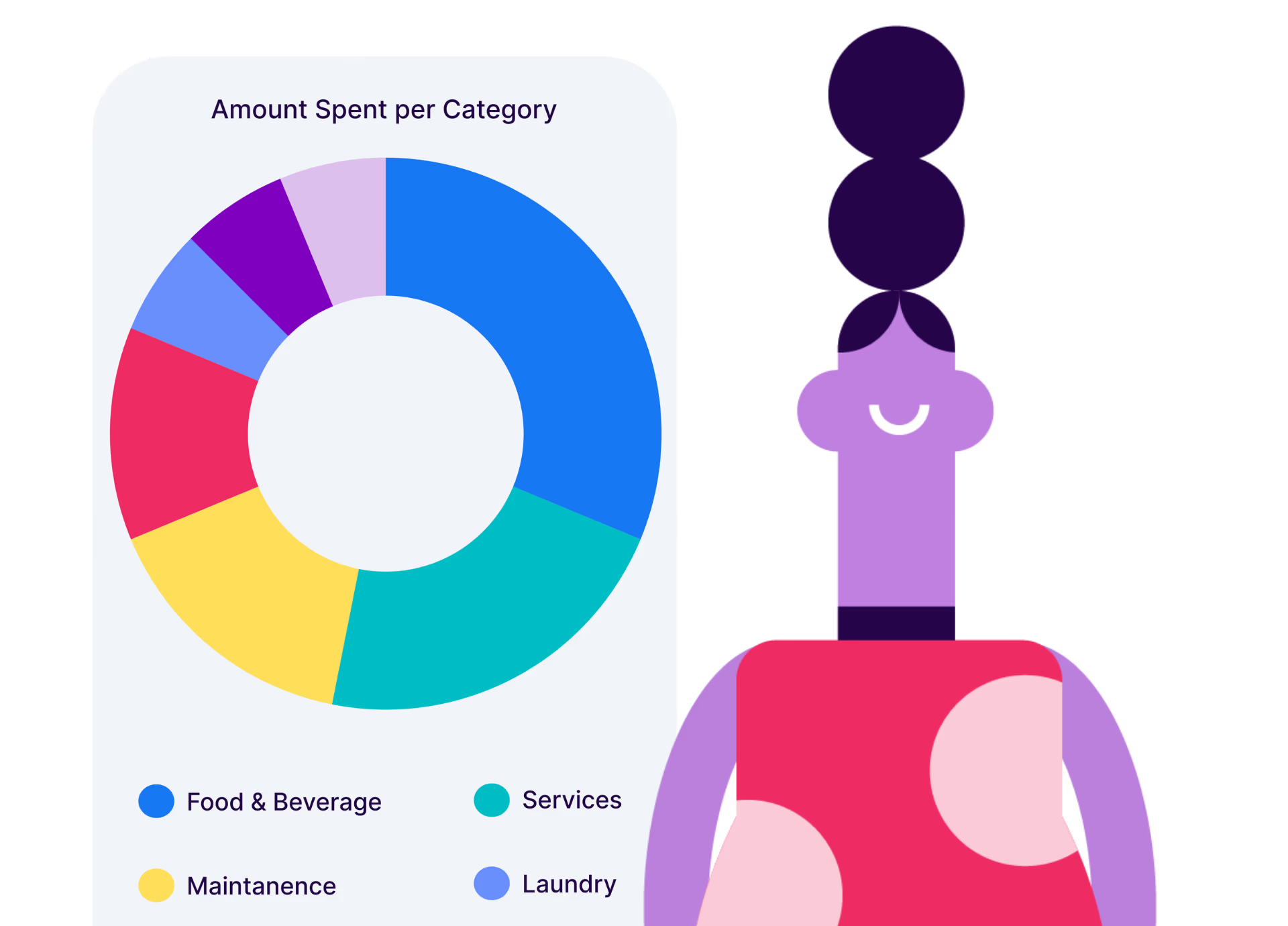
Import from your ERP. Export actuals back.
Import approved budgets from Xero, NetSuite, Dynamics 365, or MYOB. PurchasePlus maps actuals back to the same chart of accounts, no rekeying, no reconciliation headache. One source of truth, two systems working together.
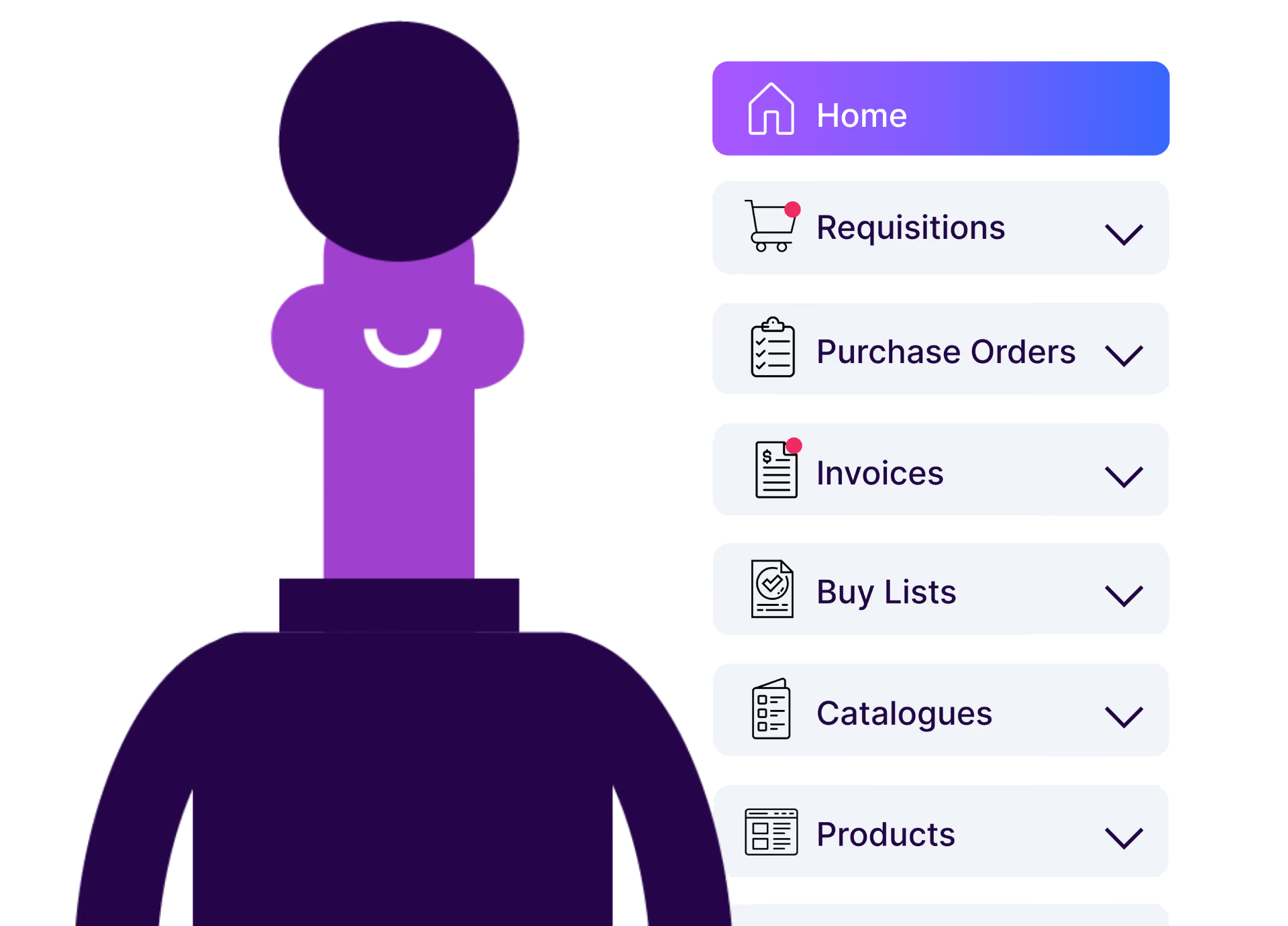
Everything you need to control procurement spend.
Annual & Period Budgets
Set by year, quarter, or month. With rollover rules for underspend.
Cost Centre Mapping
Every PO and invoice maps to the right GL code automatically.
Variance Alerts
Get notified when spend approaches or exceeds thresholds.
Budget vs Actuals Reports
Download anytime, by property, period, department, or supplier.
Committed Spend Tracking
See what's approved, ordered, received, and invoiced, the full chain.
Role-Based Access
Managers see their cost centre. Finance sees the group. Everyone sees what they need.
With over 100,000 invoices processed each month, our hotels are seeing real operational impact. PurchasePlus has streamlined workflows, reduced document storage requirements, strengthened internal controls, and supported our sustainability goals. It has become an essential tool for managing procurement at our scale.











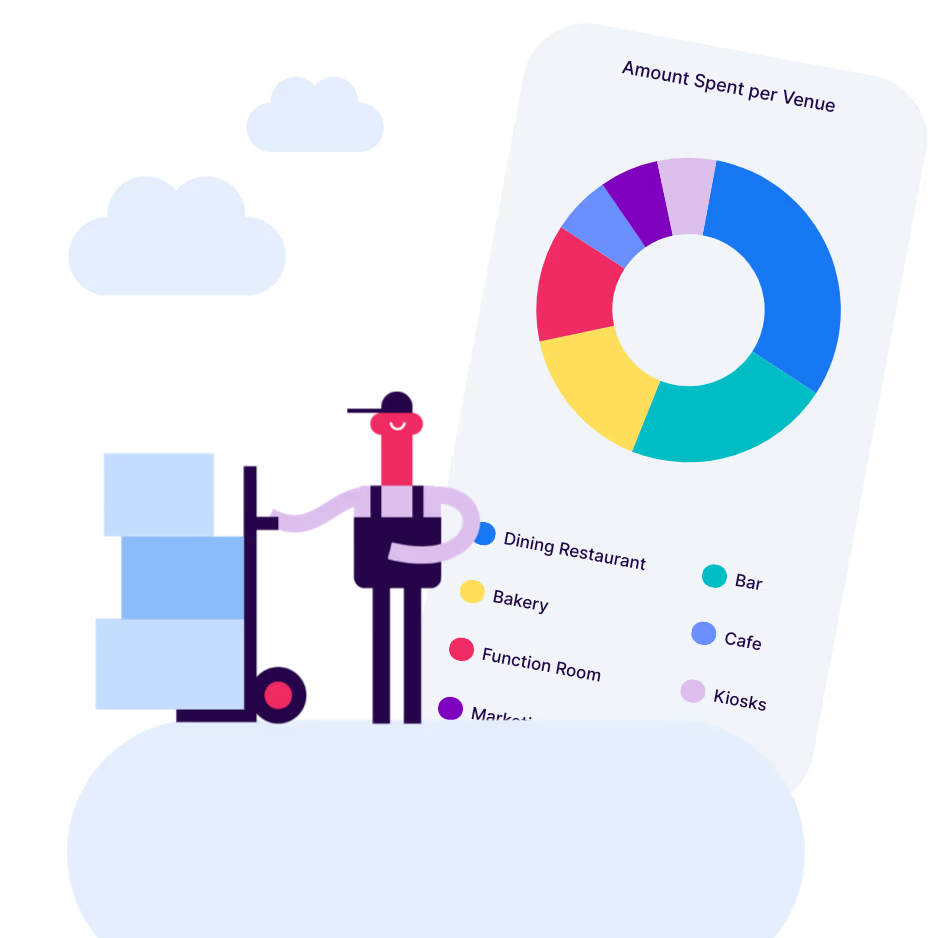
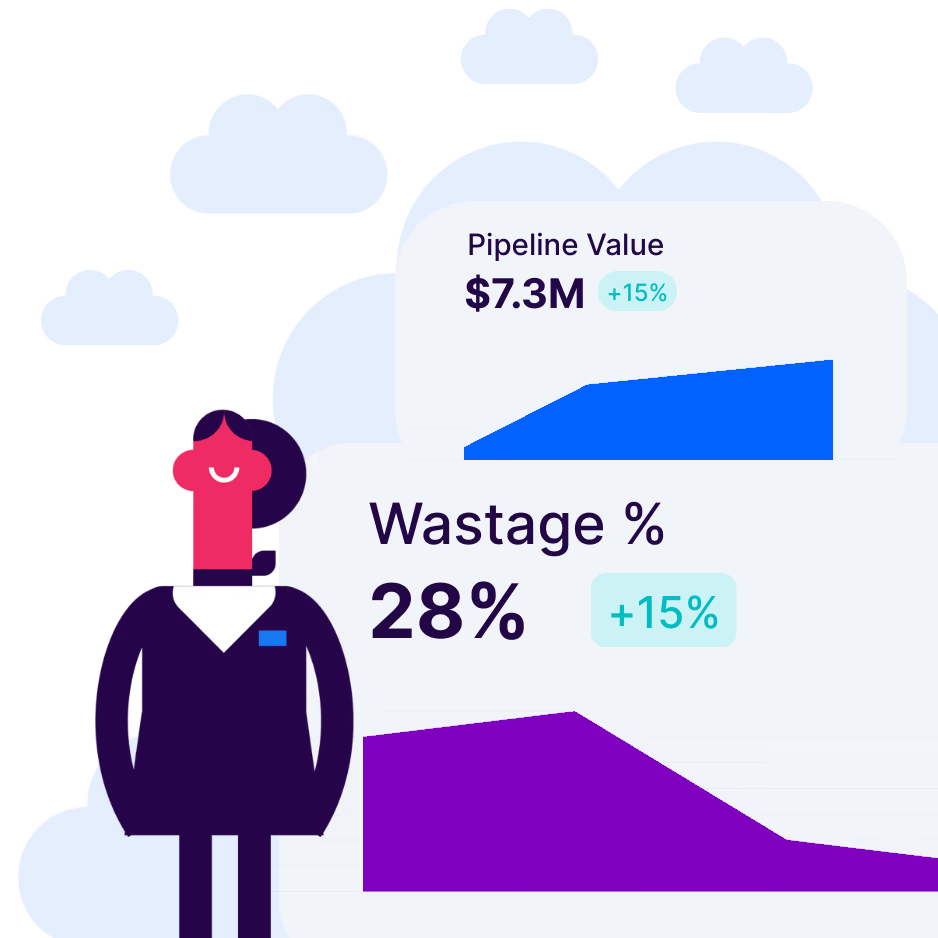
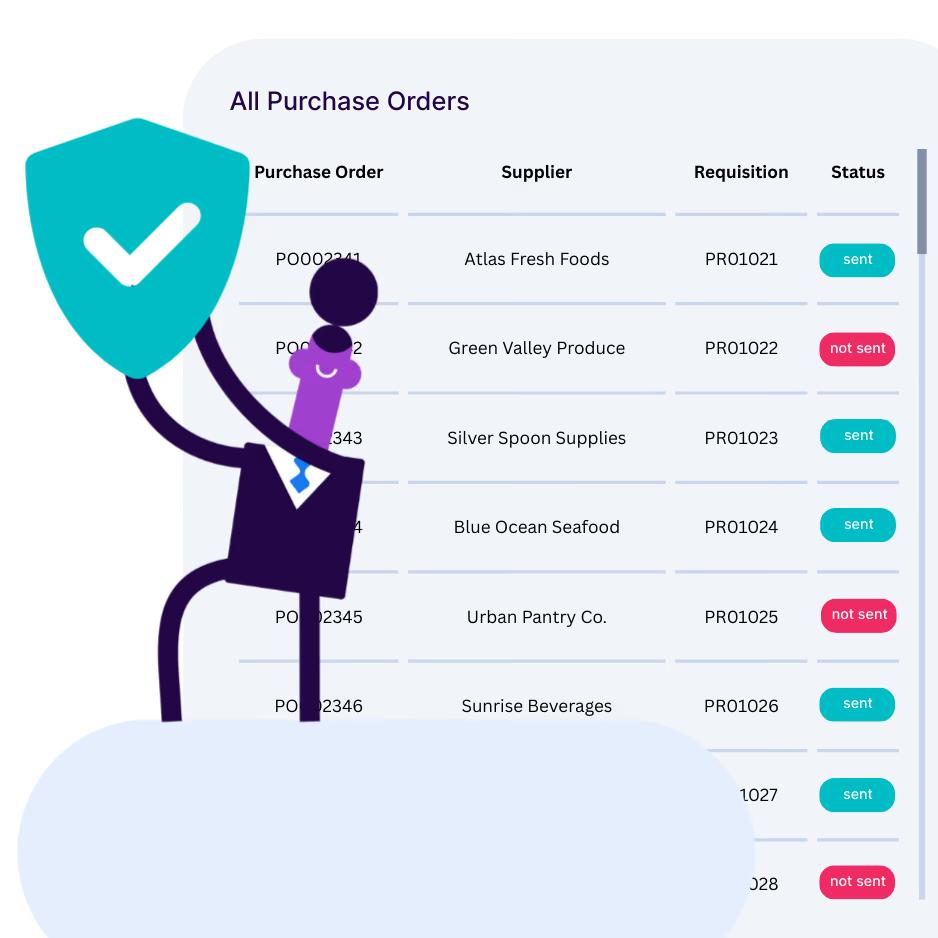


Budgeting works best when it’s connected to everything.
Standalone budget tools only see what's already been spent. PurchasePlus Budgeting is built into the full procure-to-pay workflow, so it knows about every requisition, order, receipt, and invoice before they hit your accounting system.
Purchasing
Requisition, PO, and receiving flow, every commitment feeds budget in real time.
ExploreInvoicing & AP Automation
Approved invoices flow as actuals, with GL codes applied automatically.
ExploreAccounting Systems
Two-way ERP sync with Xero, NetSuite, Dynamics 365, MYOB, and more.
ExploreResults vary by property group size, ERP environment, and existing budgeting maturity. We’ll walk through realistic expectations in a demo.