

All Recipes
All Recipes
[All Recipes] is the purchaser list of every Recipe your Organisation can see. Open it from the side navigation: [Recipes] → [View All].
Metrics
Four cards sit above search and filters. They follow the filtered result set, not only the current page:
- Total Recipes — includes sub-recipes.
- Food Cost (COGS) — weighted average for the filtered list, plus the organisation target.
- Gross Profit — the matching GP %.
- On Menus — how many recipes are in use on a Menu, and how many are not yet on a menu.
A missing or $0 sale price shows -- for Cost % and GP %.
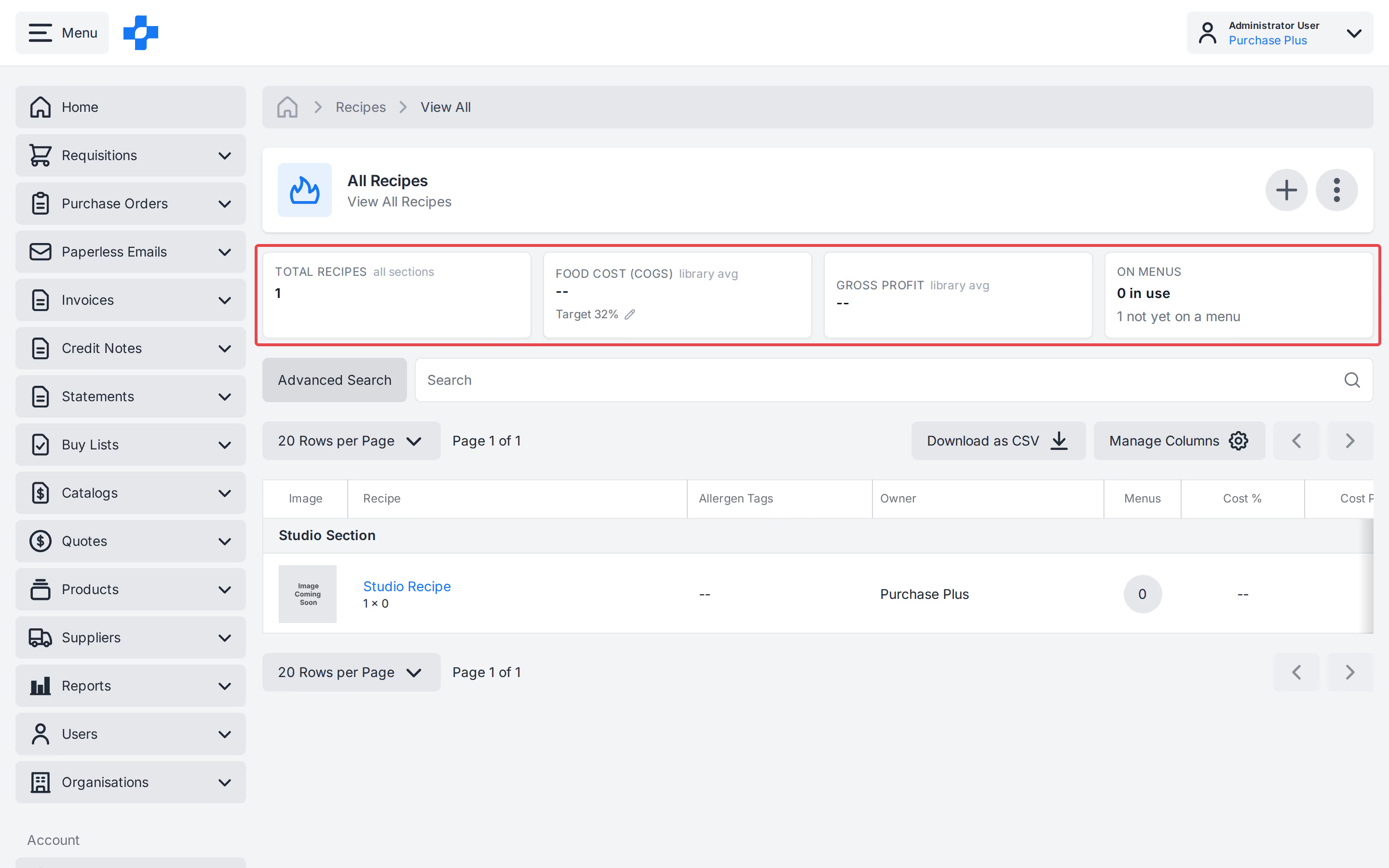
Food Cost target
The Food Cost card shows an organisation target (default 32, a whole number from 0 to 100).
- Users with Manage Recipes can edit the target (pencil). Invalid values restore the last saved number and show Enter a whole number from 0 to 100.
- Everyone else can see the target and whether the rounded library average is On target (≤X%) or N above. Individual recipes above target do not change the card if the average is still at or below.
Group by Recipe Section
Recipes are grouped under Recipe Section headings (name order; No Section last). A heading repeats if that section spans a page boundary.
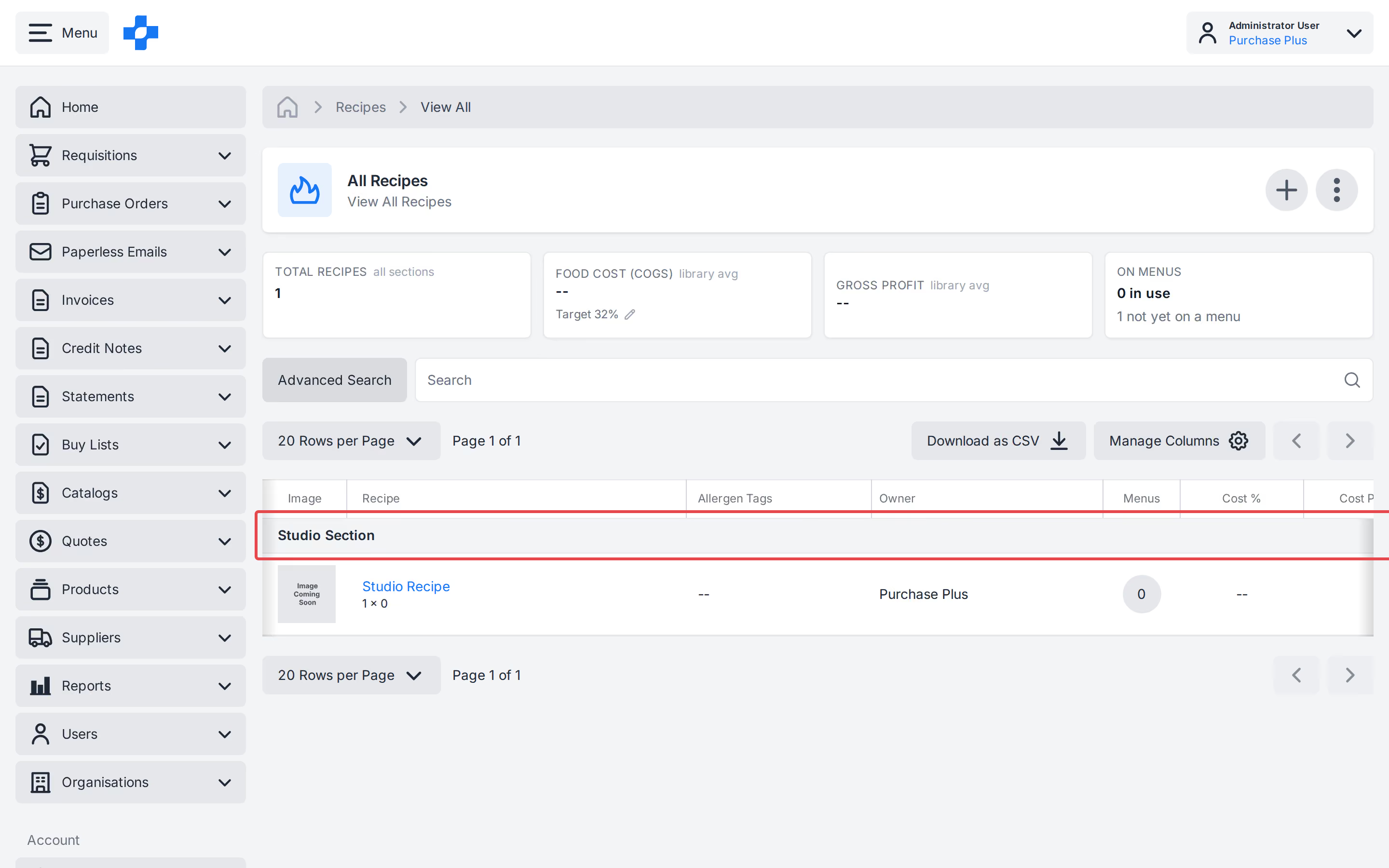
Users with Manage Recipes can create, rename or delete Recipe Sections from the list. Deleting a section does not delete its Recipes.
Search and filters
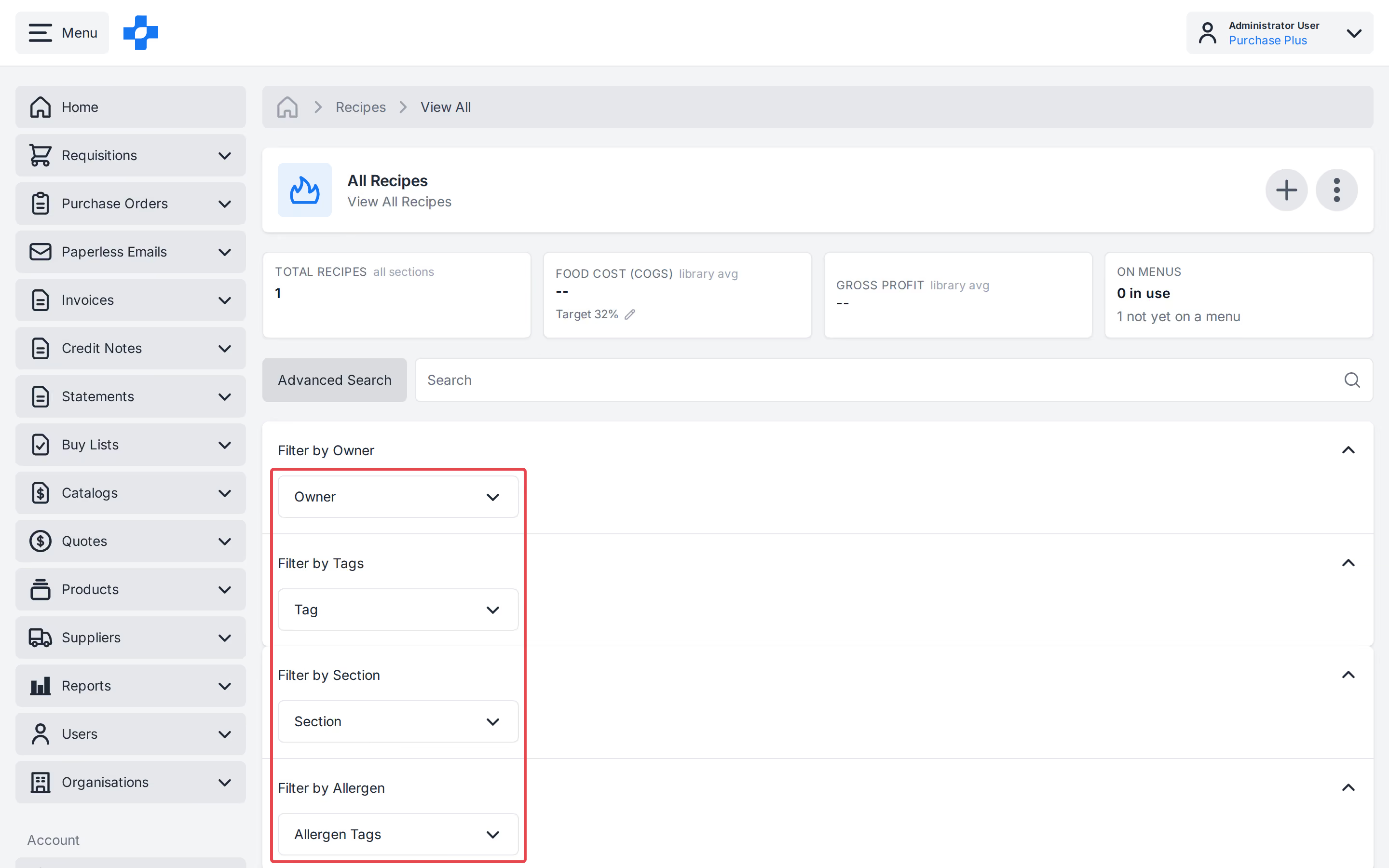
Each Recipe on [All Recipes], in the Recipe header, and on sub-recipe rows shows Draft, Active, or Archived. Use [Filter by State] in [Advanced Search] to filter the list.
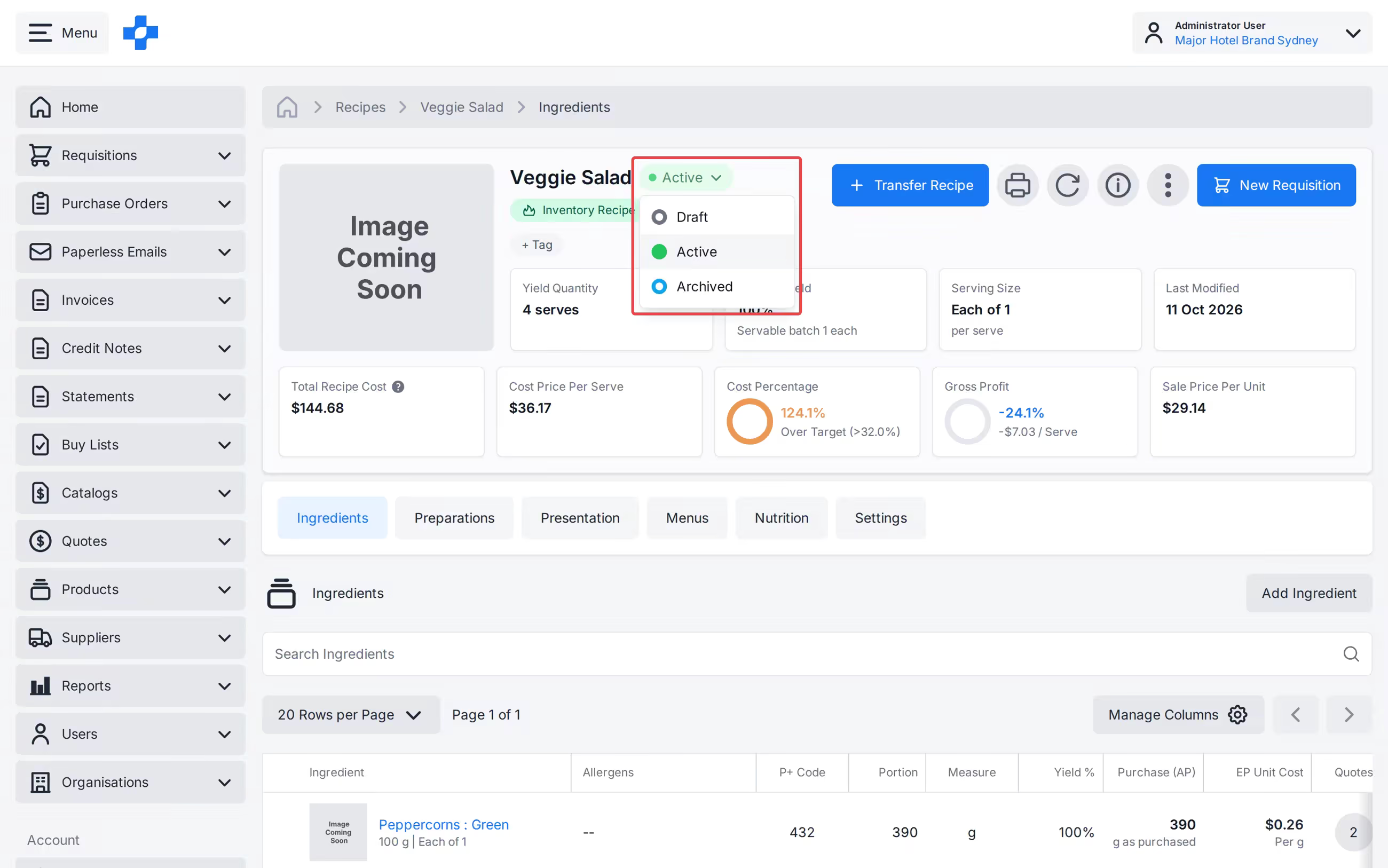
Use [Advanced Search] to combine:
- Owner (one Organisation).
- Product Tags.
- Recipe Section.
- Allergen.
- Filter by State (Draft, Active, or Archived).
Filters of different types combine with AND; several values in the same filter combine with OR. Search, filters, sort (name A–Z) and page size (20 / 50 / 100) all update the metric cards.
Columns and CSV
[Manage Columns] controls which attributes appear. Purchaser defaults include Cost % and GP % bars and P+ Code. Download as CSV exports the current page and the visible data columns (not Image or row actions).