

Create Organisations
Create Organisations
This is Part 2 in our Introduction to Organisations series. It is recommended to read Part 1 before reading this article.
Create Organisations
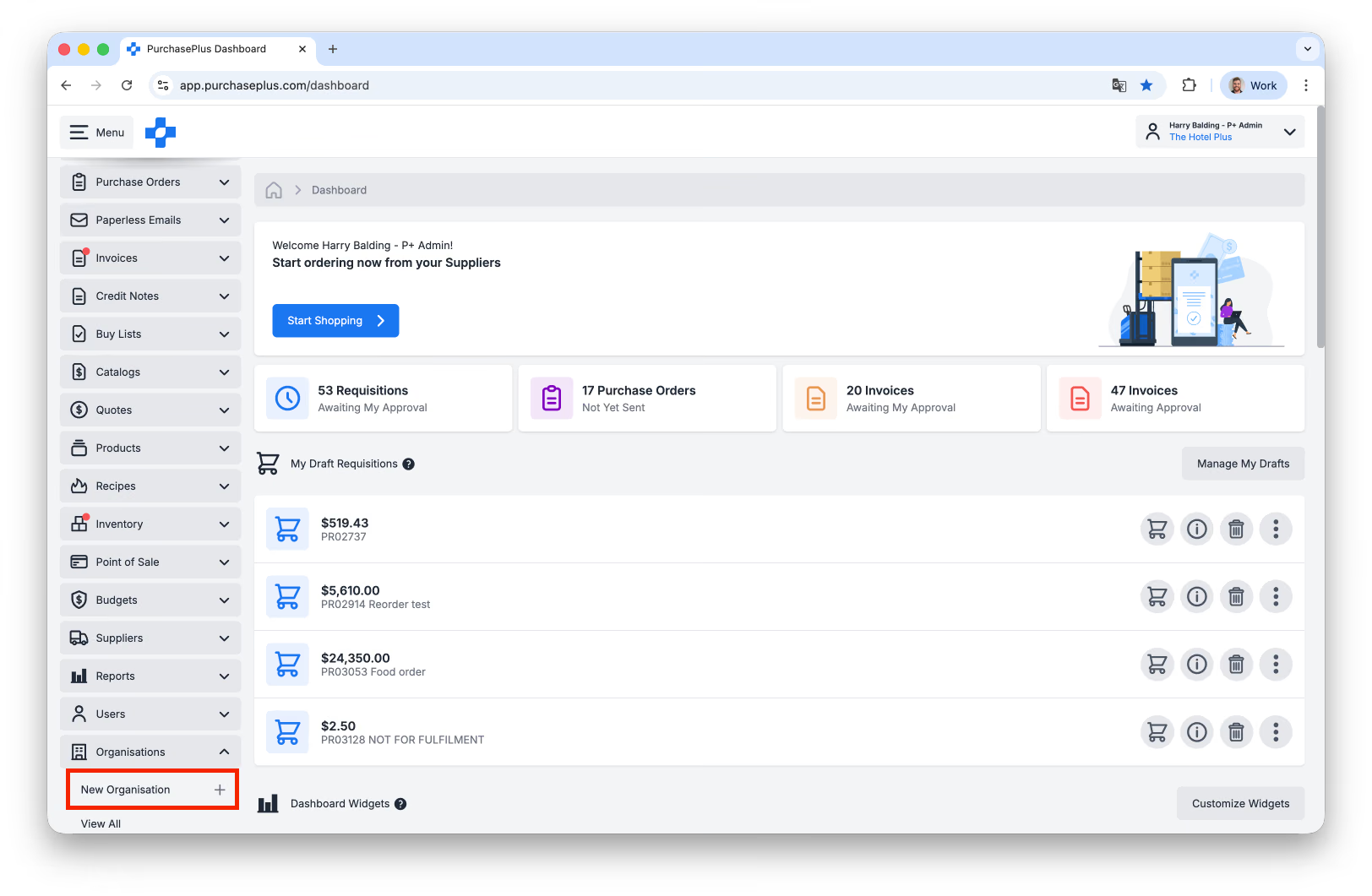
Users with the ‘Manage Organisations’ permission can create a new Non-Legal Entity Organisation in the [Organisations] area in the side navigation bar by clicking [New Organisation].
A Non-Legal Entity is appropriate for a Department within your Organisation, but not appropriate for a new Purchaser (i.e. a trading business, or property). If you would like to create a new Legal Entity (i.e. a Purchaser), please contact our Support Team or your Account Manager.
Create a department
First, click [Organisations] → [New Organisation]:
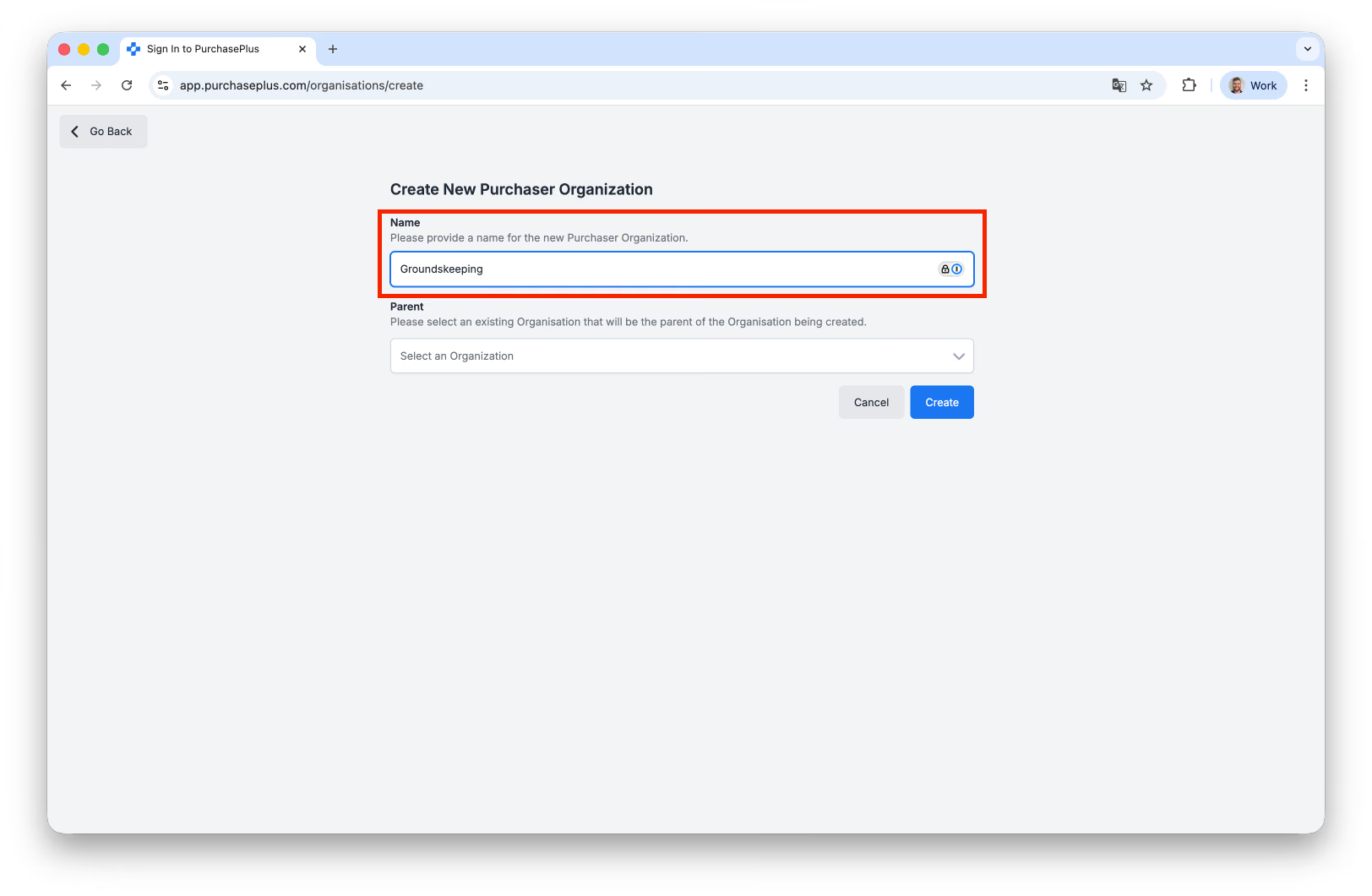
You will be presented with the Create New Purchaser Organisation page.
Enter the Organisation Name. It is recommended that you follow any established naming conventions in your wider Organisation.
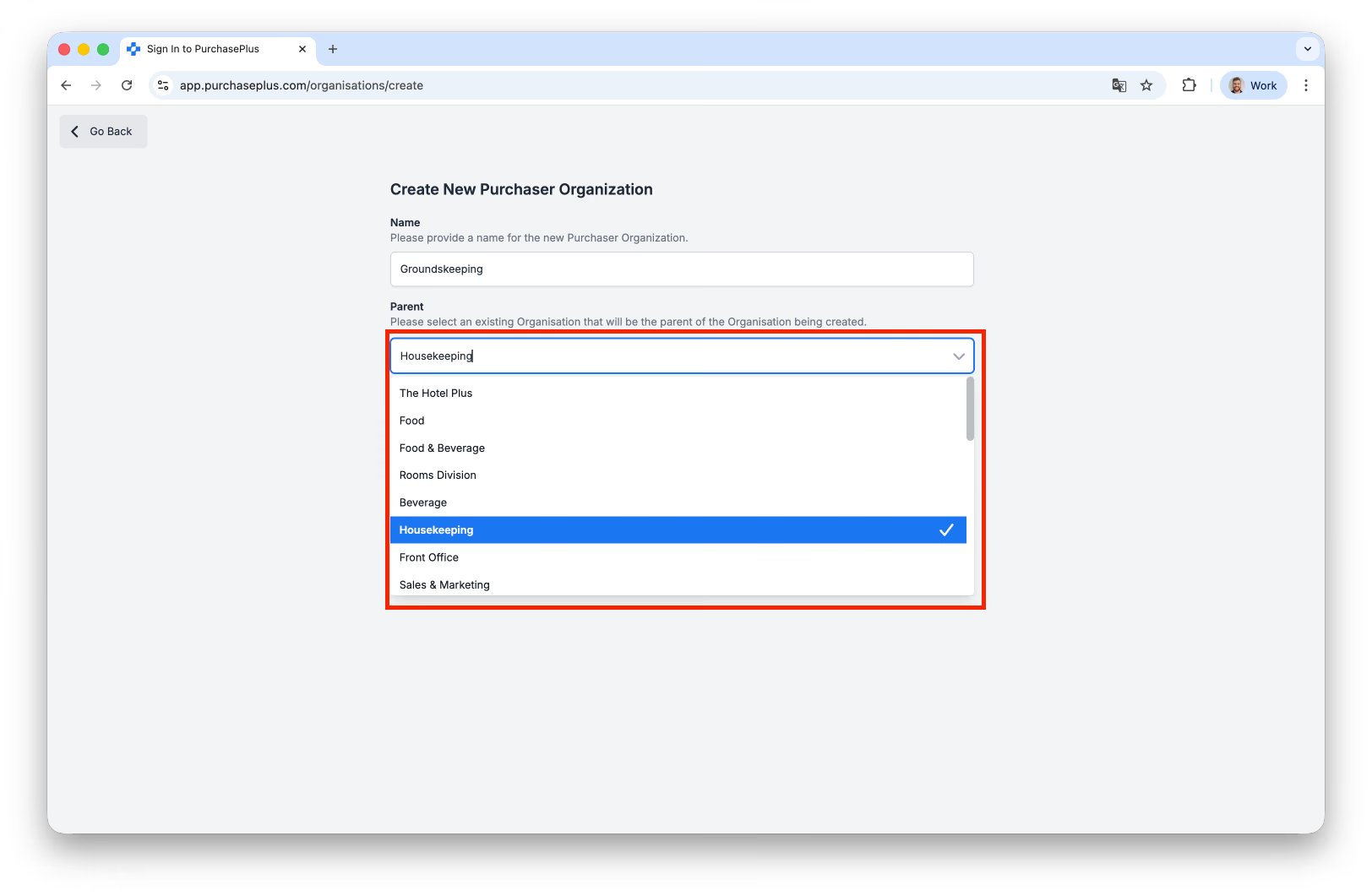
Then, select an existing Organisation that will be the parent of the Organisation being created. You may scroll the list or search for the Organisation in question.
Once you have created the Organisation, you may need to locate the Organisation to manage its Settings (for example, its Delivery Addresses, Invoice Approval Workflow, and more). Users with Manage Organisations can delete an unused Delivery Address from Organisation Settings. See our 'Delete a Delivery Address' article to learn more.