

Approval Notifications
Approval Notifications
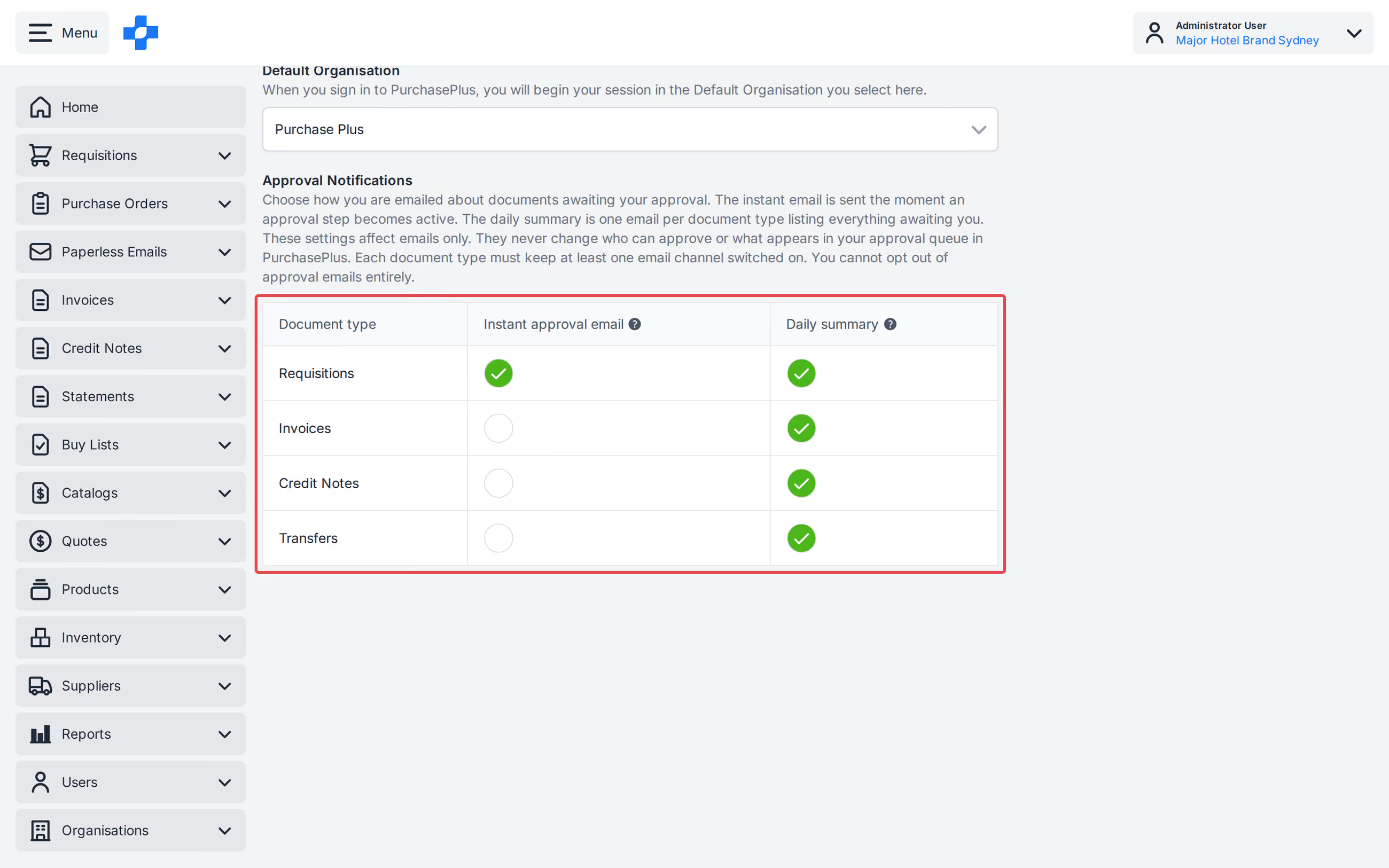
Use [My Account] to choose Instant approval email and Daily summary for Requisitions, Invoices, Credit Notes, and Transfers.
See our 'Navigation' article to learn more about the Top Right Menu.
Set Approval Notifications
- Click [My Account] in the Top Right Menu.
- Click [General].
- Under Approval Notifications, tick or untick the Instant approval email or Daily summary checkbox for each document type.
- Click [Save Changes].
Note - These settings affect emails only. They never change who can approve or what appears in your approval queue.
Note - At least one notification channel must stay on for each document type. If you untick the last channel, PurchasePlus shows "At least one notification channel must stay on for each document type." and keeps the checkbox ticked.
Note - Organisation-level Send Notifications on a User's membership is separate. Speak to an Administrator at your Organisation to change whether a User receives notifications for that Organisation. See our 'Create and Manage Users' article to learn more.