

Delete a Delivery Address
Delete a Delivery Address
Users with the Manage Organisations permission can delete a Delivery Address that is not in use and is not the default.
Delete an unused Delivery Address
- Click [System Settings] → [Organisation Settings] in the side navigation bar.
- Select the [Delivery Addresses] tab.
- Find the unused Delivery Address.
- Open [More Options] on that row and click [Delete Delivery Address].
- Click [Delete] on the confirmation.
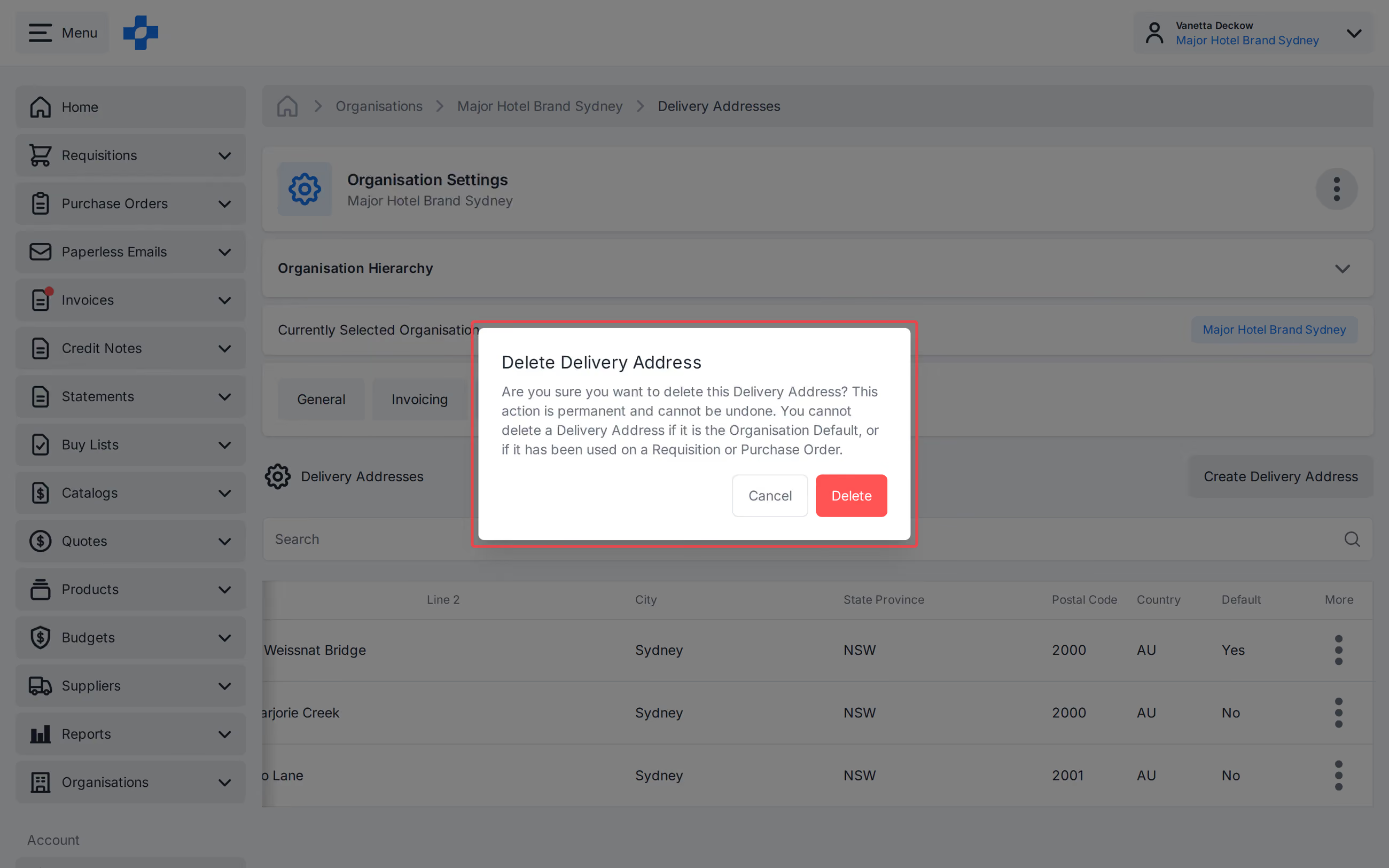
Note - You cannot delete a Delivery Address that is in use, or the default Delivery Address.
See our 'Create Organisations' article to learn more about Organisation Settings.